 Listicle
Best Smart Home Integration Systems in 2026 Compared
Quick Summary
Home Assistant is the best smart home integration system for households wanting the most control, because it runs locally and supports a wide range of devices. Apple HomeKit suits Apple users, Amazon Alexa offers the broadest compatibility, and Google Home suits Google Nest owners.
- Home Assistant has no mandatory subscription and keeps automations running locally during internet outages.
- Apple HomeKit is the simplest choice for anyone already invested in Apple devices.
- Check whether each device supports Matter, Thread or Zigbee before committing to a platform.
- Budget for hardware, any hub or bridge, subscriptions and installation labour, not just the devices.
- Ask installers how the system behaves during an outage and what ongoing subscription costs apply.
Table of Contents
- How We Evaluated the Best Smart Home Integration Systems
- Smart Home Platforms Compared: Overall Ranking
- Smart Home Hub Compatibility and Device Support
- Wired Smart Home Automation System Options
- Wireless Home Automation System Options and Trade-offs
- Installation, Setup and Real Costs to Budget For
- Choosing Your System and Booking a Multi-Trade Integration Assessment
- Frequently Asked Questions
How We Evaluated the Best Smart Home Integration Systems
Choosing a smart home integration system is a decision most people make once and live with for years, so we judged each platform on the things that matter after installation day. Our criteria focused on device compatibility, reliability when the internet drops, how easily a system can be extended or moved away from later, and the real cost of getting it running. We also looked at how well each option suits the difference between a new build and a retrofit, which is where many guides go vague.
Our research draws on publicly available product information, comparison reviews and smart home guides. Where we could not verify a specific figure, such as a subscription price or a supported device count, we have said so rather than guessing. Many of the strongest platforms publish their feature lists openly, but the detail about local control and offline behaviour is often buried, so we checked it separately.
Ofcom guidance on connected devices and consumer protection is a useful reference when weighing the security and privacy side of any connected system, particularly where cameras or door locks are involved.
Smart Home Platforms Compared: Overall Ranking
Our overall ranking places Home Assistant first for households that want the most control, because it runs locally and supports an unusually wide range of devices. It does require more setup effort and some technical comfort. Second is Apple HomeKit, which is the simplest choice for anyone already invested in Apple devices, with strong privacy design and tight integration with Siri. Third is Amazon Alexa, which offers the broadest device compatibility and the easiest voice control, though it leans on cloud services more heavily.
Google Home ranks fourth, a solid option for people already using Google Nest products. Hubitat and Control4 sit in the middle of the field: Hubitat suits enthusiasts building a local-first setup, while Control4 is an established professional system that suits larger installations. The Apple HomePod, Google Nest Hub Max and Amazon Echo Show 8 are better understood as control interfaces than complete platforms, so we rank them as accessories to the systems above.
What separates these platforms in practice is not the length of their device lists but how they behave when the internet drops, how easily you can leave them later, and what they cost over five years rather than on day one. A platform that depends entirely on a manufacturer's cloud can leave lights, heating and locks unresponsive during an outage; a local-first system keeps running. Equally, a cheap starter kit can become expensive once subscriptions, hubs and replacement sensors are counted.
Feature Comparison Table
| Platform | Best For | Local Control | Voice Assistant | Protocol Support | Offline Behaviour | Long-Term Cost Notes |
|---|---|---|---|---|---|---|
| Home Assistant | Full control and customisation | Yes, strong | Via integrations | Zigbee, Z-Wave, Thread, Wi-Fi, Matter (via adapters) | Automations and dashboards keep running locally | No mandatory subscription; hardware and adapter costs only |
| Apple HomeKit | Apple device owners | Partial | Siri | Thread, Matter, Wi-Fi (via Home Hub) | Some automations run locally via a Home Hub; cloud-dependent features stop | No subscription for basic use; Home Hub device required |
| Amazon Alexa | Broad compatibility | Limited | Alexa | Wi-Fi, Zigbee, Thread, Matter (varies by Echo model) | Most routines depend on cloud; limited local fallback | Optional subscriptions for some features |
| Google Home | Google Nest users | Limited | Google Assistant | Wi-Fi, Thread, Matter (varies by Nest hub) | Cloud-dependent for most routines | Optional subscriptions for some features |
| Hubitat | Local-first enthusiasts | Yes | Via integrations | Zigbee, Z-Wave, Wi-Fi, Matter (via adapters) | Automations run locally | No mandatory subscription |
| Control4 | Professional installations | Yes | Via integrations | Wired and wireless, proprietary plus third-party drivers | Local control with dealer-supported remote access | Dealer programming and support costs apply |
Pricing for these platforms varies with hardware, hub requirements and any subscriptions.
Compatibility and Migration: The Question Most Guides Skip
Compatibility is usually presented as a yes/no tick against a device list, but the practical question is narrower: which protocols does the platform speak natively, which need a bridge, and which need a cloud account? Matter and Thread have improved cross-brand pairing, but they have not removed the need for a hub or bridge in many setups, a Thread sensor still needs a Thread border router, and a Zigbee bulb still needs a Zigbee coordinator. Before committing, list every device you own or plan to buy and check each one against the platform's native protocol support, not just its marketing claims.
Migration is the other half of that decision. Leaving an ecosystem usually means re-pairing devices, rebuilding routines and sometimes replacing hardware that only works with one vendor. The practical way to limit lock-in is to favour devices that expose local APIs or support Matter, keep a record of your automations, and avoid building critical routines around features that exist only in one manufacturer's app. A platform that lets you export or back up your configuration is worth more than one that does not.
Connectivity Standards Alliance overview of Matter explains how the standard aims to reduce this fragmentation, although adoption still varies between manufacturers.
For a larger property, speaking to a specialist such as BVI Building Services & Controls Ltd before committing to a platform may be worthwhile.
Smart Home Hub Compatibility and Device Support
Compatibility is where most smart home systems quietly fail. A device that works perfectly in one ecosystem may not appear at all in another, so before choosing a platform, list the devices you already own or plan to buy and check each one. Look for support for the newer Matter standard, which is designed to let devices work across brands, and for Thread and Zigbee, which many sensors and bulbs use.
A hub acts as the translator between these protocols. Some platforms need a dedicated hub, while others run on your Wi-Fi network alone. Hub-free setups are simpler to install but often depend more heavily on the manufacturer's cloud. Check whether a platform can control devices when the internet is down, because a system that stops working during an outage is a real inconvenience in day-to-day use.
Connectivity Standards Alliance overview of Matter explains how the standard aims to reduce this fragmentation, although adoption still varies between manufacturers.
Wired Smart Home Automation System Options
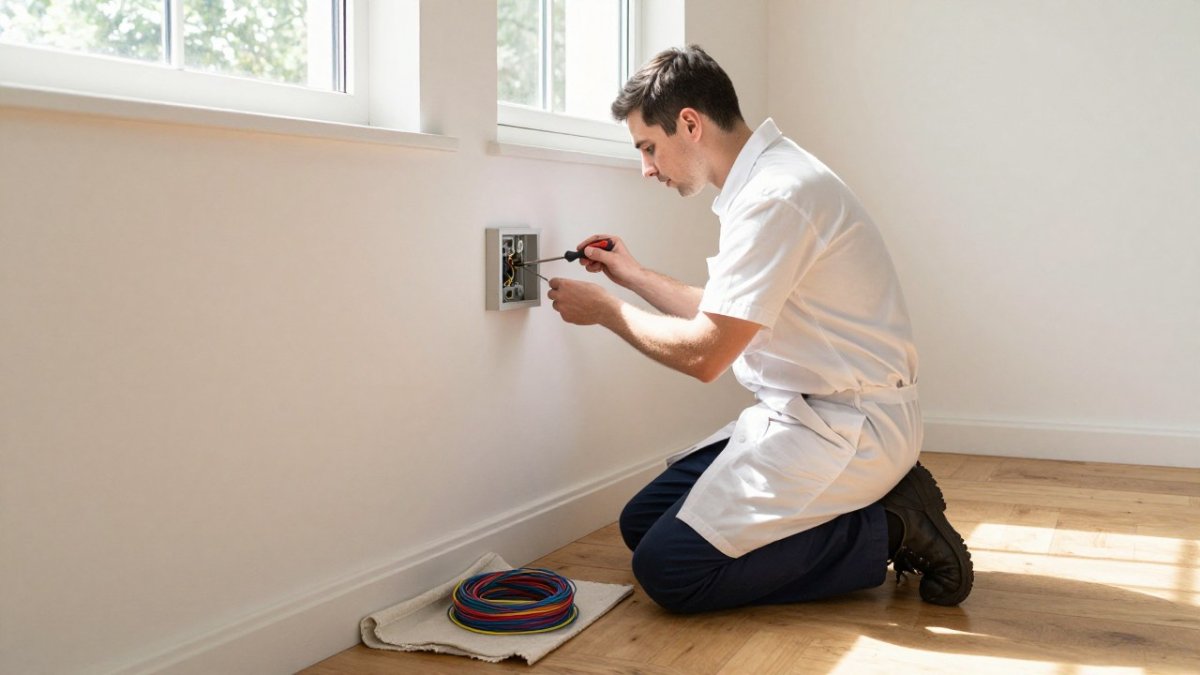
Wired systems run dedicated cabling for lighting controls, sensors and heating, which makes them very reliable and largely independent of Wi-Fi interference. They suit new builds and major renovations, where walls are open and the cable routing can be planned properly. The trade-off is cost and disruption: retrofitting cable into a finished property is expensive and messy.
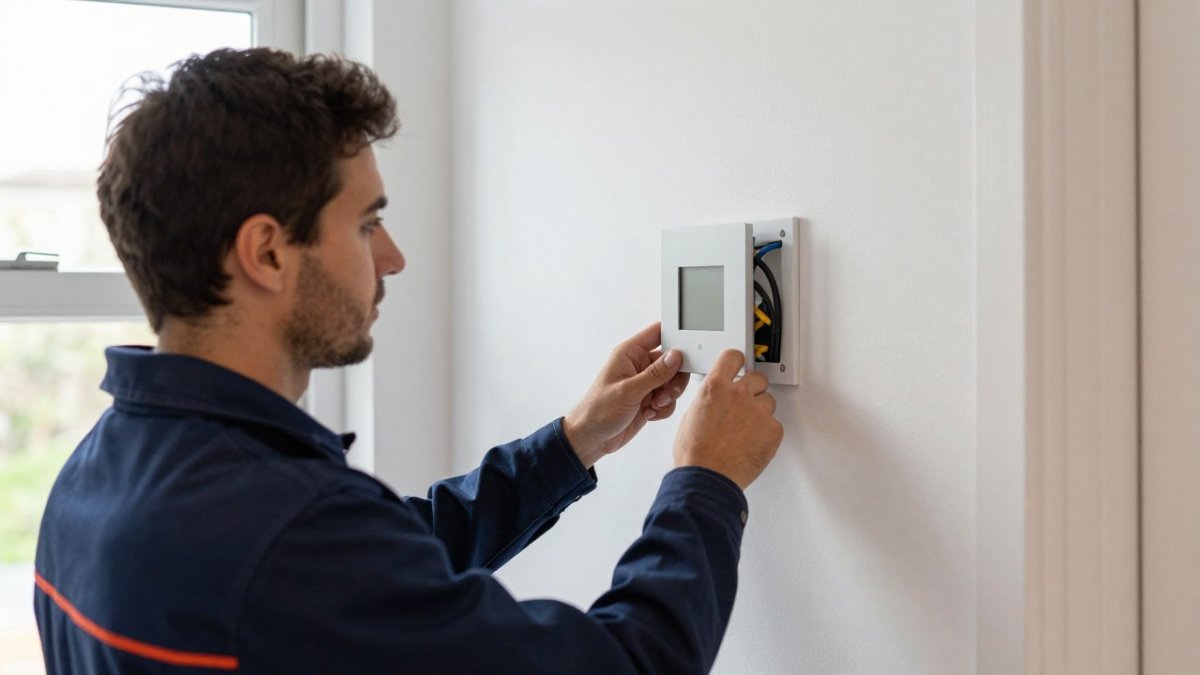
Wired installations are typically carried out by an electrician working alongside other trades, which is why coordinating electrical, heating and plumbing work matters so much.
Wireless Home Automation System Options and Trade-offs
Wireless systems use radio protocols such as Zigbee, Z-Wave, Thread or Wi-Fi and need no new cabling. They are the natural choice for retrofits and for renters who cannot alter the property. Installation is quick, and devices can usually be moved or added with little effort.
The trade-offs are range, interference and battery replacement. Dense Wi-Fi networks and thick walls can weaken signals, and battery-powered sensors need periodic attention. Wireless systems also tend to depend more on the hub and the manufacturer's software, so check how a system behaves when a hub fails or a company discontinues a product.
Installation, Setup and Real Costs to Budget For
Installation costs depend heavily on the scale of the system, the property and whether work is new build or retrofit. A single smart plug or thermostat is a straightforward DIY task, but a whole-home integration involving lighting circuits, heating controls and security is a professional job. Budget for the hardware, any hub or subscription, and the labour to install and test the system, rather than just the devices.
The cost structure is more useful than a single figure. Hardware is the visible part: sensors, bulbs, switches, cameras, locks and thermostats. The hub or bridge is the part buyers forget, a Zigbee or Z-Wave coordinator, a Thread border router, or a proprietary controller. Subscriptions are the third layer, and they vary widely: some platforms charge nothing for basic control, while others bundle recording, remote access or advanced automations into a monthly fee. Labour is the fourth, and it is where retrofit projects diverge most from new builds, because chasing cables into finished walls costs far more than routing them before plastering.
A realistic way to budget is to separate the project into three columns: devices you will keep for years, infrastructure that is hard to change later (cabling, back boxes, hub placement), and recurring costs. Our installation, plumbing, electrical and heat pump services cover the trades that sit behind these costs. The first two are where professional coordination pays for itself; the third is where a cheap system can quietly become expensive.
Pricing for integrated systems depends on quantity, the number of trades involved and the complexity of the design. For a closer look at the figures, read our breakdown of what integrated building management systems cost in the UK. For a current assessment, contact BVI Building Services & Controls Ltd through the website for a quote tailored to your property. Ask any installer how the system behaves during an internet outage, who supports it after installation, and what ongoing subscription costs apply.
Watch out: a quote that lists devices but not labour, commissioning or subscription costs is not a like-for-like comparison, and the cheapest headline figure often hides the largest recurring charge.
Choosing Your System and Booking a Multi-Trade Integration Assessment
The right system depends on your property, your devices and how much control you want. Start with the platform that matches the ecosystem you already use, check compatibility with your current devices, and decide whether you need local control or are comfortable relying on the cloud. If the project involves more than one trade, a coordinated assessment avoids the delays that come from fragmented contractors.
If you are planning a project across heating, electrical and automation, get in touch with BVI Building Services & Controls Ltd to discuss your requirements. You can also explore our smart home automation solutions to see how these systems could fit your property. For a deeper look at installer selection, read How to Choose a Home Automation Installer: 2026 Guide.
Frequently Asked Questions
What is the best smart home integration system?
There is no single best system for every home. Apple HomeKit suits households already using Apple devices, while Amazon Alexa and Google Home offer the broadest voice-control choice. The right pick depends on the devices you already own, whether you want local control, and how much setup you are willing to manage yourself or have handled by an installer.
Which smart home system works with the most devices?
Compatibility varies by platform and by device, so check each product's listed support before buying. Matter, an interoperability standard, is designed to let devices from different manufacturers work together, and checking that a device supports Matter is a useful way to avoid buying into a single ecosystem.
Is a wired or wireless smart home system better?
Wired systems generally offer more reliable communication and suit new builds or major renovations where cabling can be installed during construction. Wireless systems are easier to retrofit into an existing property and need less disruption. Many homes use a combination of both. A qualified installer can assess your property, wall construction and existing wiring to recommend the right mix for your home.