 How-to
How to Spot Why Building Automation Systems Fail
Quick Summary
Building automation systems most often fail through small, unnoticed faults such as stuck valves, drifting sensors, integration gaps and overrides left in place. Because these faults change comfort and energy use gradually, they usually go unnoticed until complaints or high bills prompt a closer look.
- Hardware, software and sensor faults often show up as symptoms in one another.
- A temperature sensor reading two degrees too high can cause overcooling for years.
- Command valves fully open and closed, then confirm the physical position matches the screen.
- Compare key sensor readings with a calibrated handheld meter once or twice a year.
- Make sure at least two people can read the system and carry out basic fault checks.
Table of Contents
- Why Building Automation Systems Fail More Often Than Owners Expect
- Common Building Automation System Problems: Hardware, Software and Sensors
- BMS Integration Issues: When Trades and Protocols Do Not Talk
- Human Error, Manual Overrides and Skills Gaps in Operation
- Cybersecurity, Outdated Firmware and Vendor Lock-In
- Building Automation System Maintenance and Preventing Failure
- Planning a Building Controls Retrofit Before Your System Fails
- Frequently Asked Questions
Why Building Automation Systems Fail More Often Than Owners Expect
Last Updated: November 15, 2026
Building automation systems are meant to run quietly, keeping rooms comfortable and bills under control.
A building automation system (BAS) is the network of controllers, sensors, actuators and software that manages heating, cooling, ventilation and lighting. When one part fails, the whole system can work against the building.
Most failures are not dramatic. They are small faults that go unnoticed until comfort complaints or energy bills force a closer look.
Common Building Automation System Problems: Hardware, Software and Sensors
Building automation system problems usually fall into three groups: hardware, software and sensors. A fault in one often shows up as a symptom in another.
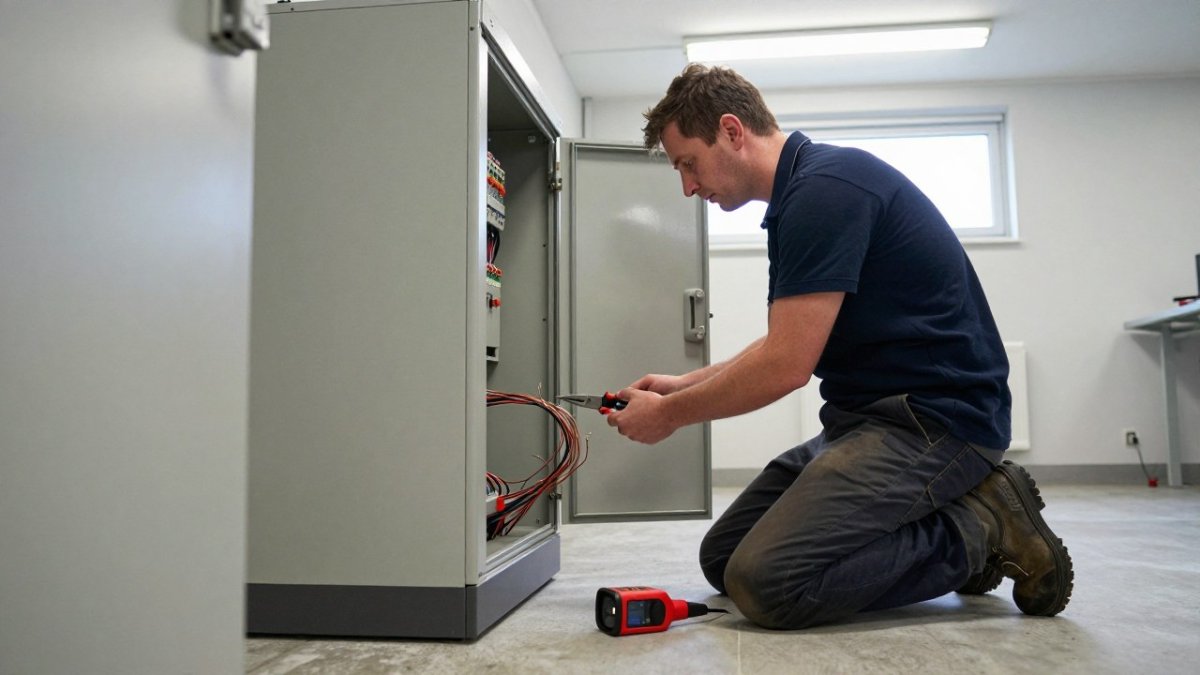
Hardware failures are easiest to see: controllers overheat, power supplies fail, wiring loosens.
Sensors cause a lot of hidden trouble. A temperature sensor reading two degrees too high can make the system overcool a room for years.
Watch for these warning signs:
- Rooms that are always too hot or too cold, despite the system running
- Alarms that clear and return without anyone fixing anything
- Equipment that cycles on and off more often than normal
Faulty actuators, valves and dampers
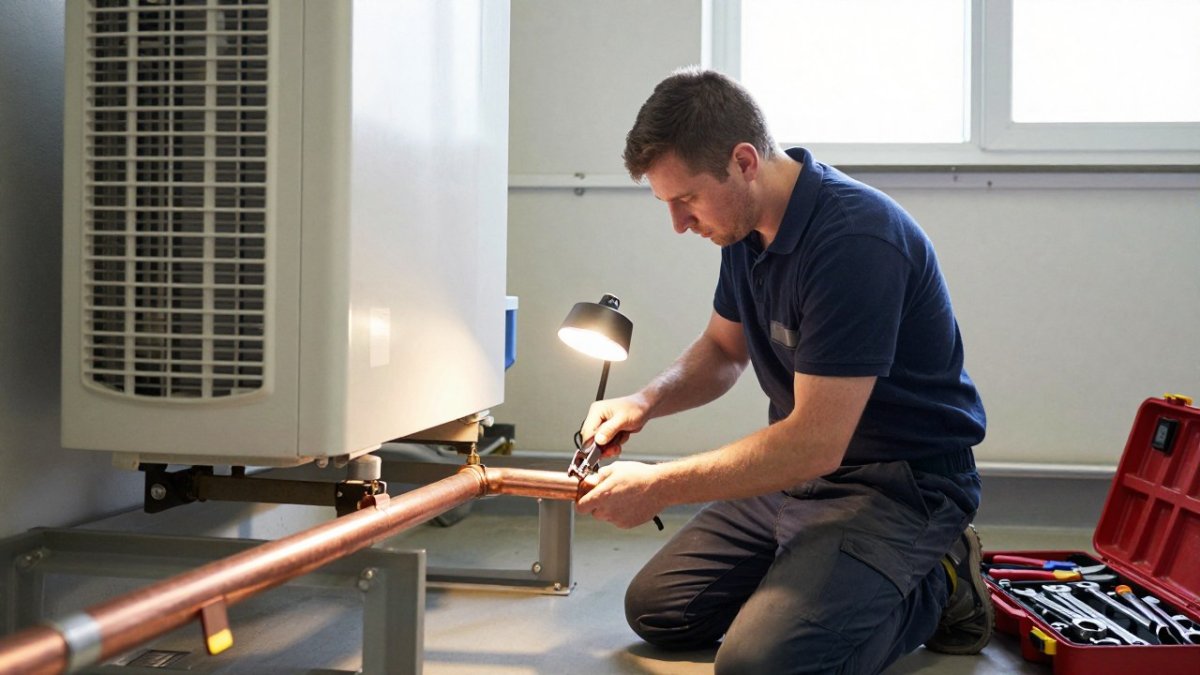
Actuators, valves and dampers are the moving parts of a building automation system, opening and closing to control water flow, air flow and temperature. When they stick, leak or stop responding, the controller may still show a normal signal while the room gets no real change.
Common causes include:
- Seized valve spindles from lack of movement over long periods
- Actuators that have burnt out or lost their calibration
- Dampers held partly open by debris or a loose linkage
A simple check catches many of these: command the valve fully open and fully closed, then confirm the physical position matches the screen. A mismatch is a clear sign of a fault.
Performance drift and calibration gaps
Performance drift happens when a system slowly moves away from its original settings.
Calibration gaps are a common cause.
A good habit: compare key sensor readings with a calibrated handheld meter once or twice a year, and keep a simple log to spot trends early.
The three main groups of building automation system problems, and the symptoms that signal them, are summarised below.
| Problem group | Typical example | Warning sign |
|---|---|---|
| Hardware | Controllers overheat, power supplies fail, wiring loosens | Controllers show offline or communication fault messages |
| Software | Out-of-date firmware, corrupted settings, poor configuration | Odd behaviour that looks like a hardware fault |
| Sensors | Temperature sensor reading two degrees too high | Rooms always too hot or too cold despite the system running |
| Actuators and valves | Seized spindles, burnt-out actuators, stuck dampers | Commanded position does not match physical position |
BMS Integration Issues: When Trades and Protocols Do Not Talk
Many building management system (BMS) failures happen at the boundaries between systems. Lighting, heating, ventilation, fire alarms and access control may each come from a different supplier, using different communication protocols.
When these systems do not share data properly, they work against each other, the heating may run while a window sensor reports the room is open, or the lights may stay on when occupancy sensors report an empty room.
Integration problems often come from:
- Proprietary protocols that do not translate cleanly to other systems
- Trades installing their parts without agreeing on a shared control strategy
- Missing or incorrect point mapping between the BMS and field devices
Good integration needs one team to own the overall control strategy. Without that owner, each trade may do its own job correctly while the whole system fails.
Human Error, Manual Overrides and Skills Gaps in Operation
People cause many building automation failures, often without meaning to.
Skills gaps make this worse. If the facilities team was not trained on the system, they may not know what the settings mean or how to reset a fault, then make changes that create bigger problems.
Watch for these operational risks:
- Overrides left in place after the original problem is fixed
- Setpoints changed to solve comfort complaints without checking the cause
- Schedules that do not match the actual building use
Training is one of the cheapest ways to reduce these failures. Make sure at least two people can read the system, understand its alarms and carry out basic fault checks.
Cybersecurity, Outdated Firmware and Vendor Lock-In
Modern building automation systems are connected to networks, which brings cybersecurity risk. Controllers installed years ago may run old firmware with known, unpatched weaknesses.
The risk is not theoretical. A compromised controller can disrupt heating and cooling, move laterally into other networks, or simply sit quietly and consume energy.
To reduce these risks:
- Keep a list of all controllers, their firmware versions and their network connections, and review it at least annually
- Change default passwords and limit who can access the system, with access removed when staff leave
- Separate the controls network from the office network where possible, or apply the same access controls to both
Watch out: a firmware update applied without testing can change control logic in ways nobody expects, so schedule updates for a period when the building can be monitored afterwards.
Vendor lock-in as a failure point
Vendor lock-in is a quieter risk than a cyber attack, but just as damaging over the life of a building.
The mechanism is usually the protocol.
Open protocols such as BACnet and Modbus, and increasingly open standards for data exchange, reduce this risk by allowing multiple suppliers to work on the same system. They do not guarantee competition, but they make it possible.
A practical test is to ask, before signing, what would happen if you wanted a different supplier to take over maintenance in three years. If the answer involves replacing hardware or losing access to the system's data, the lock-in is real.
Staff skills and the human side of security
Many security and reliability failures come down to skills rather than technology.
Training should cover the basics of the controls network, how to recognise abnormal behaviour, and who to contact when something looks wrong.
Keeping the system documented, patched and in the hands of trained people is less dramatic than responding to an incident, but it is the difference between a system that fails quietly and one that fails safely.
Building Automation System Maintenance and Preventing Failure
Regular maintenance is the most reliable way to stop building automation systems failing, but 'maintenance' hides a wide range of activity. For a practical guide to ongoing BMS upkeep for industrial facilities, see the steps set out there. A quarterly visit that resets alarms is not the same as a planned programme that tracks sensor drift, verifies valve stroke and reviews control logic against actual building use.

A practical maintenance routine usually includes:
- Monthly review of alarms, overrides and abnormal readings, with a named person responsible for clearing each item
- Quarterly checks of key sensors, valves and dampers, including a physical stroke test against the commanded position
- Annual calibration of critical sensors against a reference instrument, with results logged
The financial case for proactive maintenance
Most owners treat maintenance as a cost to be minimised until a failure forces their hand. To act on this now, seven concrete steps to prevent HVAC downtime are laid out in a separate guide.
Reactive repairs can cost considerably more than planned work that would have prevented them, once emergency call-out rates, out-of-hours labour and the energy wasted while a fault persists are added.
There is also a hidden cost in drift. A system that has quietly lost calibration does not fail loudly; it simply uses more energy to deliver the same comfort.
A maintenance record that only lists tasks completed, without readings or trends, gives little way to tell whether the system is drifting between visits.
Maintenance as evidence for sustainability reporting
Maintenance now carries a compliance dimension that it did not have a decade ago.
If your organisation has public net-zero or ESG commitments, an unmaintained BAS is a quiet risk to them.
That record is worth having before an auditor or a customer asks for it. Reconstructing a year of control performance after the fact is far harder than keeping a simple log as you go.
Making maintenance more than a box-ticking exercise
Ask the person doing the work to explain what they found and what they changed, not just which tasks they completed. A useful maintenance report shows trends such as sensor readings against the last visit, override counts, alarm frequency, and any setpoint changes with the reason for them.
Make sure at least two people on site can read the system, understand its alarms and carry out basic fault checks. Training is one of the cheapest forms of maintenance available, because it turns the people already in the building into an early-warning system. A facilities team that knows what 'normal' looks like will report a drifting sensor long before it appears on a bill.
Planning a Building Controls Retrofit Before Your System Fails
Sometimes a system has reached the end of its useful life and repairs no longer make sense.
Start by auditing what you have. Book an integrated building controls audit and follow its step-by-step guide to assess your existing controls before committing to changes.
When deciding between approaches, consider: compare a BMS with standalone HVAC controls to see which fits your building.
- Whether a full building management system or standalone HVAC controls suits the building's size and use
- How much of the existing wiring and field devices can be reused
- Whether the new system uses open protocols you can manage in future
Retrofit projects go more smoothly when one team coordinates the whole job, and trades that work together from the start avoid the integration problems described earlier.
Frequently Asked Questions
Why do building automation systems fail?
Most building automation systems fail through a combination of causes rather than one dramatic breakdown. Sensors and actuators drift out of calibration, firmware goes unpatched, and controls are overridden by staff who do not understand the sequences. Integration between separate trades, such as electrical, heating and plumbing contractors, often leaves gaps where no one owns the logic. Because these faults build up slowly, the system may appear to work while wasting energy and comfort. A structured maintenance and review schedule catches most of these issues early.
How often should a building management system be reviewed?
A building management system should be reviewed at least once a year, with a more detailed check of sensors, control sequences and schedules every six months in larger or more complex buildings. Reviews should compare actual energy use and comfort complaints against the intended design. Any firmware or software updates should be logged and tested before they go live. Reviewing after occupancy changes, refurbishments or extensions also helps prevent BMS integration issues from building up unnoticed.
How can you tell when a building automation system needs an upgrade?
Signs that a building automation system needs an upgrade include frequent manual overrides, repeated comfort complaints, rising energy bills without a clear cause, and controllers or software that the manufacturer no longer supports. Parts that are hard to source or proprietary protocols that prevent integration with newer equipment are also warning signs. If the system cannot be patched against known cybersecurity vulnerabilities, a building controls retrofit should be planned rather than postponed. A survey of the existing controls will show which components can be kept and which need replacing.
Can poor integration cause a BMS to fail?
Yes. When electrical, heating, ventilation and plumbing contractors each install their own controls without coordinating sequences, the building management system can end up with conflicting commands, duplicated sensors and unclear ownership of faults. This fragmentation is one of the most common reasons a BMS underperforms even when every individual component works. Clear integration planning, a single point of responsibility for the controls, and commissioning that tests the whole system together reduce these failures. BVI Building Services & Controls Ltd can advise on coordinating multi-trade controls; contact the team through its website for a quote, as pricing depends on the size and scope of the project.